Tools Research notes
Keep the sources.
Keep your ideas.
Save a useful page, write down a question, and leave yourself a note. Bring them together so you can pick up the thread later.
Start on iPhone · No sign-in needed for the Local Library
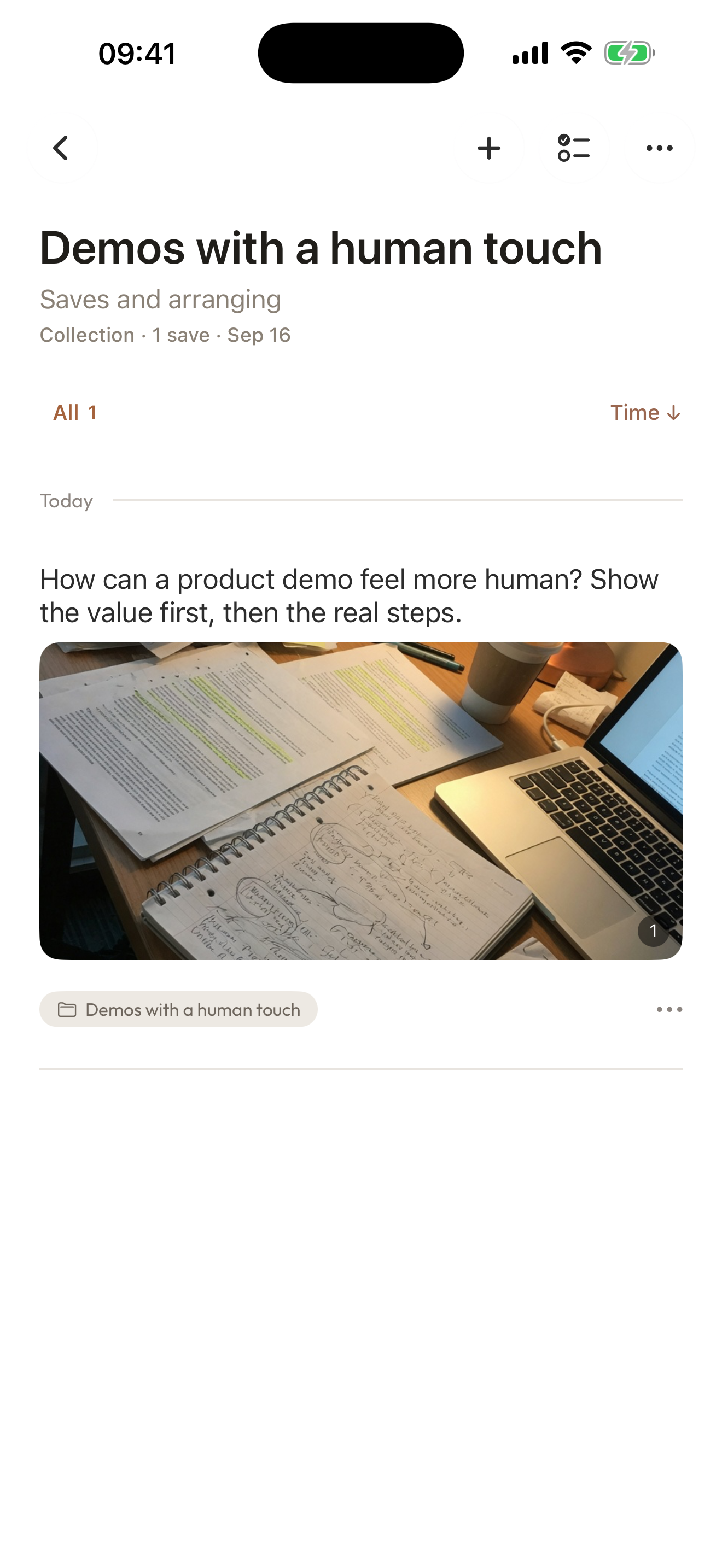
A collection, in use
“This is useful.” What for?
This example starts with a question: how can a product demo feel more human? A writing guide supports the question, and your note keeps the next idea in view.
- 0:00Your thought comes first
A personal note explains why you kept this material.
- 0:11Keep the question with the sources
The collection includes a research question and a writing guide.
- 0:17Add a note and connect the pieces
Write your own thought, then open the manually linked question.
Play the film, or choose a chapter above.
Make it your own
Give one question a place to grow.
Start with your own question or a useful source. You do not need a finished outline to begin.
- 01
Write down the question
Tap + to open Quick Capture. Record the question or idea directly, even before you have found any sources.
- 02
Save a useful source
Send a relevant page or file to Aside through the iOS Share Sheet. Add your own note about what you want to test or use.
- 03
Keep the thread together
Put your question and sources in one collection. Link specific items when they belong together, and return to your own notes later.
A few things to know
Before you begin.
Do I need a web page before I can write a thought?
No. Quick Capture lets you start a record directly. You can later put it in a collection with saved pages or files.
Is my note an automatically generated summary?
No. A note is your own thought about a saved item. You choose what to write and which items to connect.
Are collections only for research and travel?
No. You can name and organize a collection around your own topic. Research is simply the example shown here.
Can I use it locally on my iPhone?
Yes. You can use the Local Library without signing in or using a cloud service. Start from the Aside listing in the App Store. Local storage does not mean the App never needs the internet.