Tools Travel journal
Keep the photo.
Keep the day with it.
A quiet lane, a useful guide, a thought on the way. Save them in Aside and bring the pieces of your trip together.
Start on iPhone · No sign-in needed for the Local Library
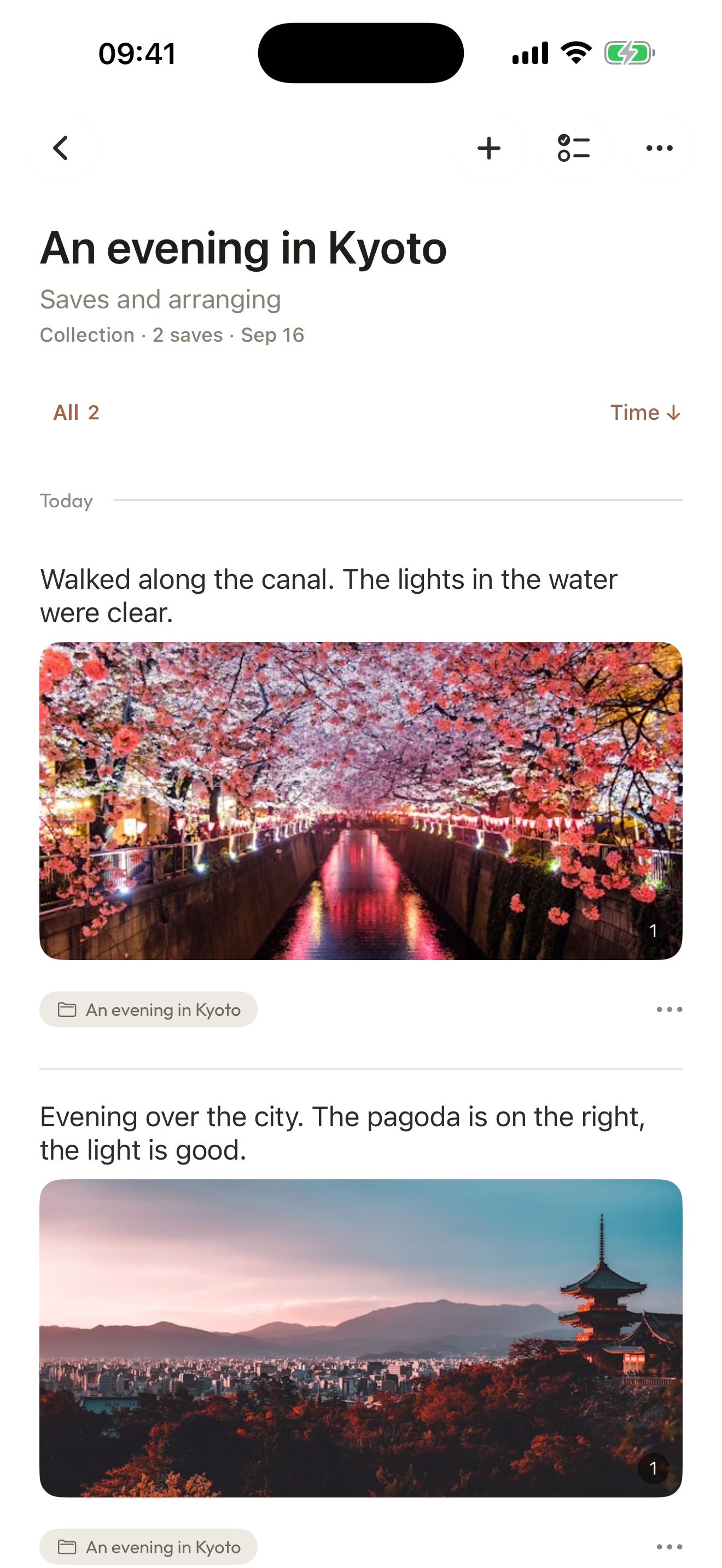
A collection, in use
What was it about that little detour?
Open the photo, read the note you left, then follow a related item back to your route. A small collection keeps the context close.
- 0:00The photo and the moment
See the photo in Aside, alongside your own note.
- 0:14The thought you kept
Read the note you wrote about the lantern and the detour.
- 0:23A route, connected by you
Open a manually linked route note, then see both records in the collection.
Play the film, or choose a chapter above.
Make it your own
Start with one moment.
You can record first or save a guide first. Add notes and organize whenever it suits you.
- 01
Record while you are there
Tap + on the home screen to open Quick Capture. Write a few words and add a photo in the same record.
- 02
Keep the useful guide
Use the iOS Share Sheet to save a guide to Aside. Add a note if you want to remember why it is useful.
- 03
Bring the trip together
Put related records and saved guides in a collection you name. Link individual items when you want to move between them.
A few things to know
Before you begin.
Can photos and guides go in the same collection?
Yes. A collection can contain different saved items and your own records. You choose what belongs together; you do not have to organize everything before saving.
Do I need to write a note every time?
No. Save a photo or a guide on its own. A note is there when you have something of your own to add.
Can I keep using it locally?
Yes. You can use the Local Library without signing in or using a cloud service. Local storage is your choice; it does not mean the App never needs the internet.
Where do I start?
Open the Aside listing in the App Store on your iPhone. In the App, tap + to record, or save from another app through the iOS Share Sheet.