Tools From a shared collection
A collection you liked.
A place to start your own.
The page you just explored was organized and shared with Aside. Start with a few links, photos or notes, and give them a subject of your own.
The Local Library on iPhone and iPad needs no account. Web Aside requires sign-in; syncing and publishing require a connection to ArcSpace.
Start on iPhone · No sign-in needed for the Local Library
Make it your own
From a first find to a shared page.
Creating a collection does not publish it. Only the collection you choose to publish becomes a page others can browse.
- 01
Create a collection
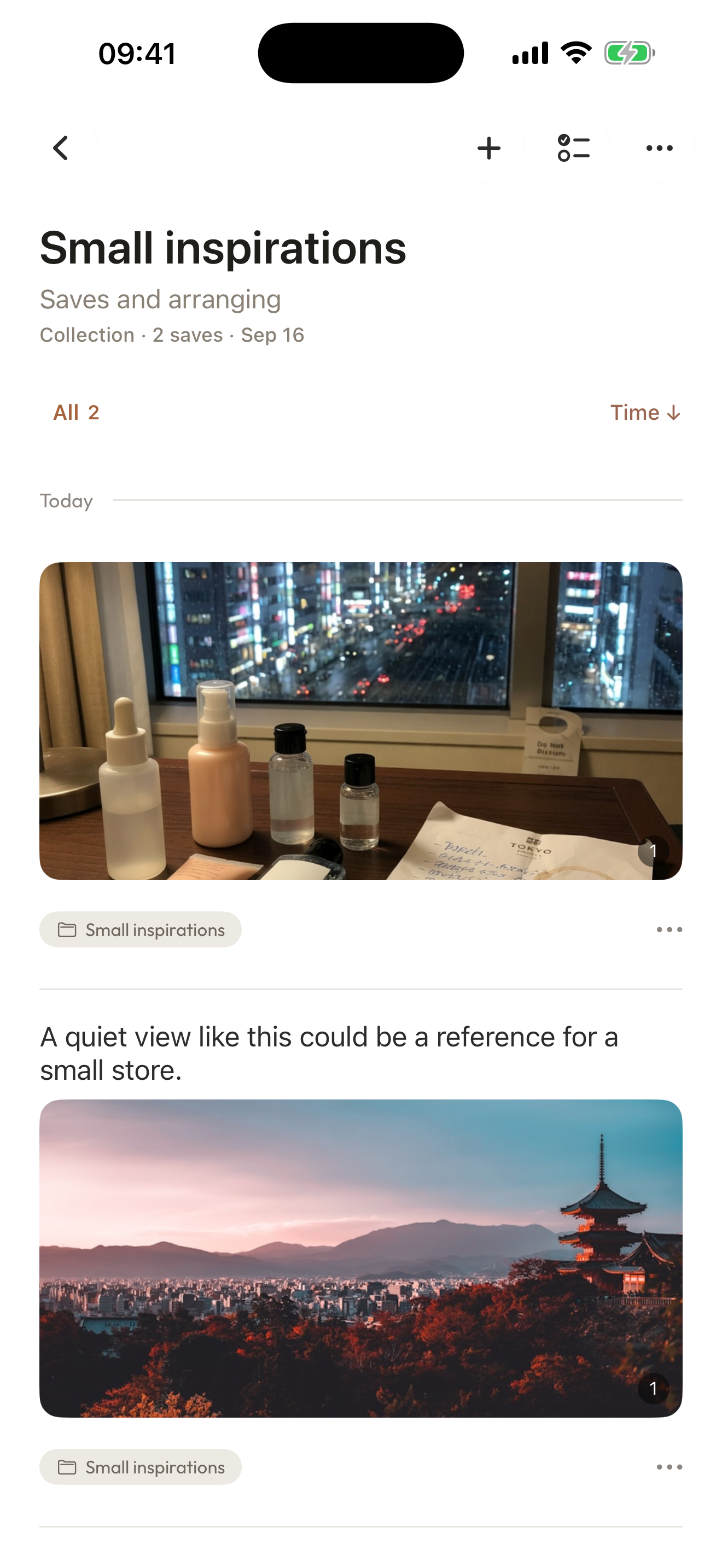
Create and name a normal collection in Organize. On the web, open Collections and choose New collection.
- 02
Bring related things together
Save links, photos and notes, then select the pieces that belong to this subject.
- 03
Choose what to share
Sign in and connect to ArcSpace, publish your chosen collection, then preview and share its public link.
A few things to know
Before you begin.
Are collections only for travel and research?
No. Create a general collection for a subject of your own.
Are items sorted automatically?
No. You choose and add the items yourself.
Must I organize everything first?
No. Start with a few related items and leave the rest for later.