Tools Keep how it felt
Keep how it felt
You saw or tried something, and you will want that feeling when you choose later.
The photo and the sentence you wrote are on the same Quick Capture record. That sentence is the Quick Capture body, not the Note on a saved webpage. Aside does not judge which one is better. Aside does not judge which one is more comfortable. Aside does not compare products. Aside does not import the camera roll.
Start on iPhone · No sign-in needed for the Local Library
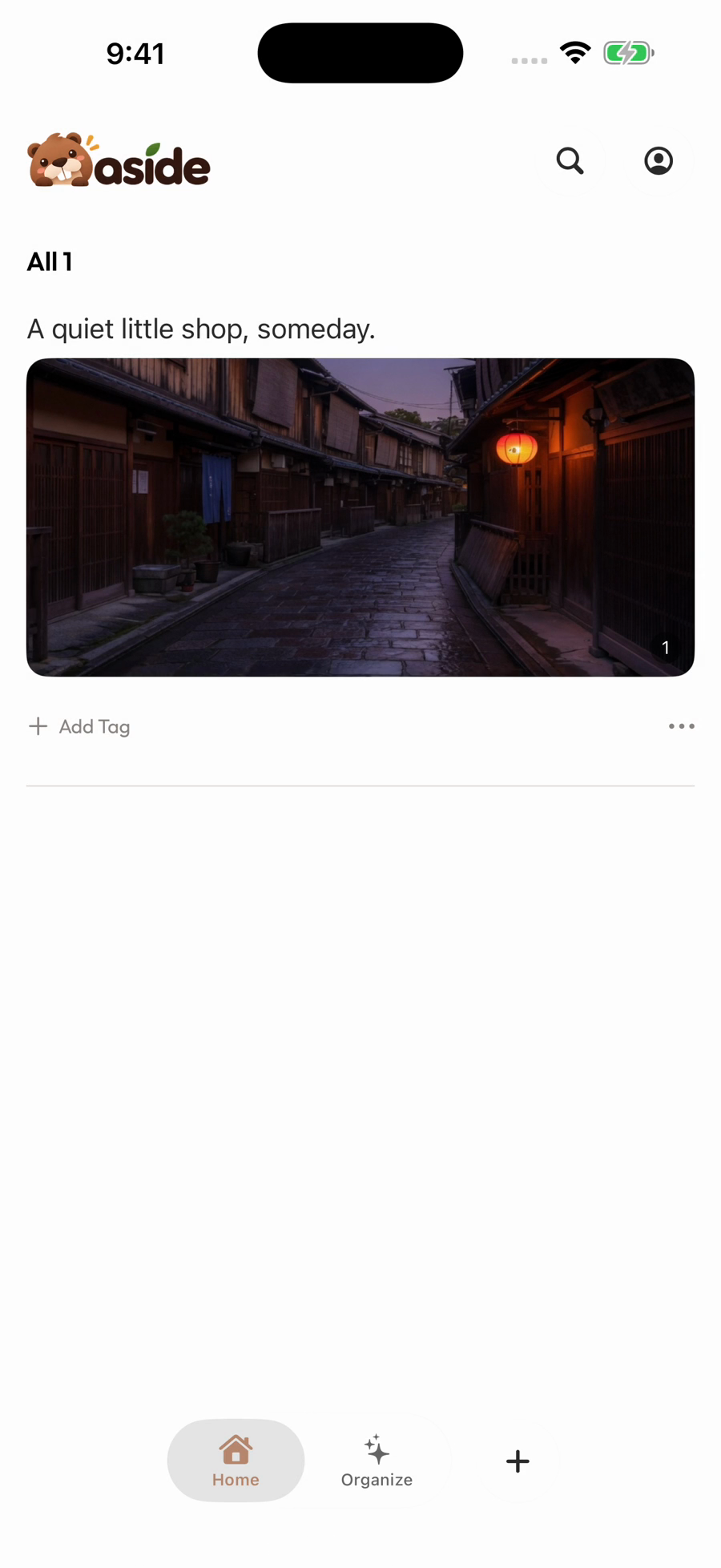
A collection, in use
Keep the photo and how it felt.
A photo and the sentence “So comfortable. Perfect for my reading corner.” stay on the same Quick Capture record. That sentence is the Quick Capture body, not the Note on a saved webpage.
- 0:10Keep the photo
The photo stays on the Quick Capture record.
- 0:12.8Add your thought
The sentence “So comfortable. Perfect for my reading corner.” is the Quick Capture body.
- 0:15.8Save them together
The photo and that sentence stay on the same record.
- 0:20.5Remember what you liked
That sentence is not the Note on a saved webpage.
Play the film, or choose a chapter above.
What it is for
When you will want that feeling later
A chair you tried
One photo of the chair, and the sentence “So comfortable. Perfect for my reading corner.” That sentence is the Quick Capture body on the same record as the photo.
A cloth you picked up
Add one photo of the cloth and the sentence you wrote about how it felt in your hand. Both stay on the same Quick Capture record, so you can choose later.
A dish you tasted
Keep one photo of the dish with the sentence you wrote about the taste. Read that sentence when you choose later. Aside does not judge which one is better.
Make it your own
How to keep how it felt in Aside
Open Quick Capture, add one photo, and write the sentence in the body of that same record.
- 01
Open Quick Capture
Tap + on Home when you saw or tried something. You do not need a saved webpage first.
- 02
Add one photo
Add the photo of that one thing. Aside does not import the camera roll.
- 03
Write the sentence in the body
Write how it felt in the Quick Capture body. That sentence is not the Note on a saved webpage.
A few things to know
Before you begin.
Where does the sentence go?
The photo and the sentence you wrote are on the same Quick Capture record. That sentence is the Quick Capture body, not the Note on a saved webpage.
Will Aside tell me which one feels right?
No. Aside does not judge which one is better. Aside does not judge which one is more comfortable. Aside does not compare products.
Does Aside pull in every photo on the phone?
No. Aside does not import the camera roll. You add the one photo you want on that record.