Tools Design references
Design references
When you are changing your own work and you see a layout, a page, or a screenshot you want to keep, save that reference in Aside.
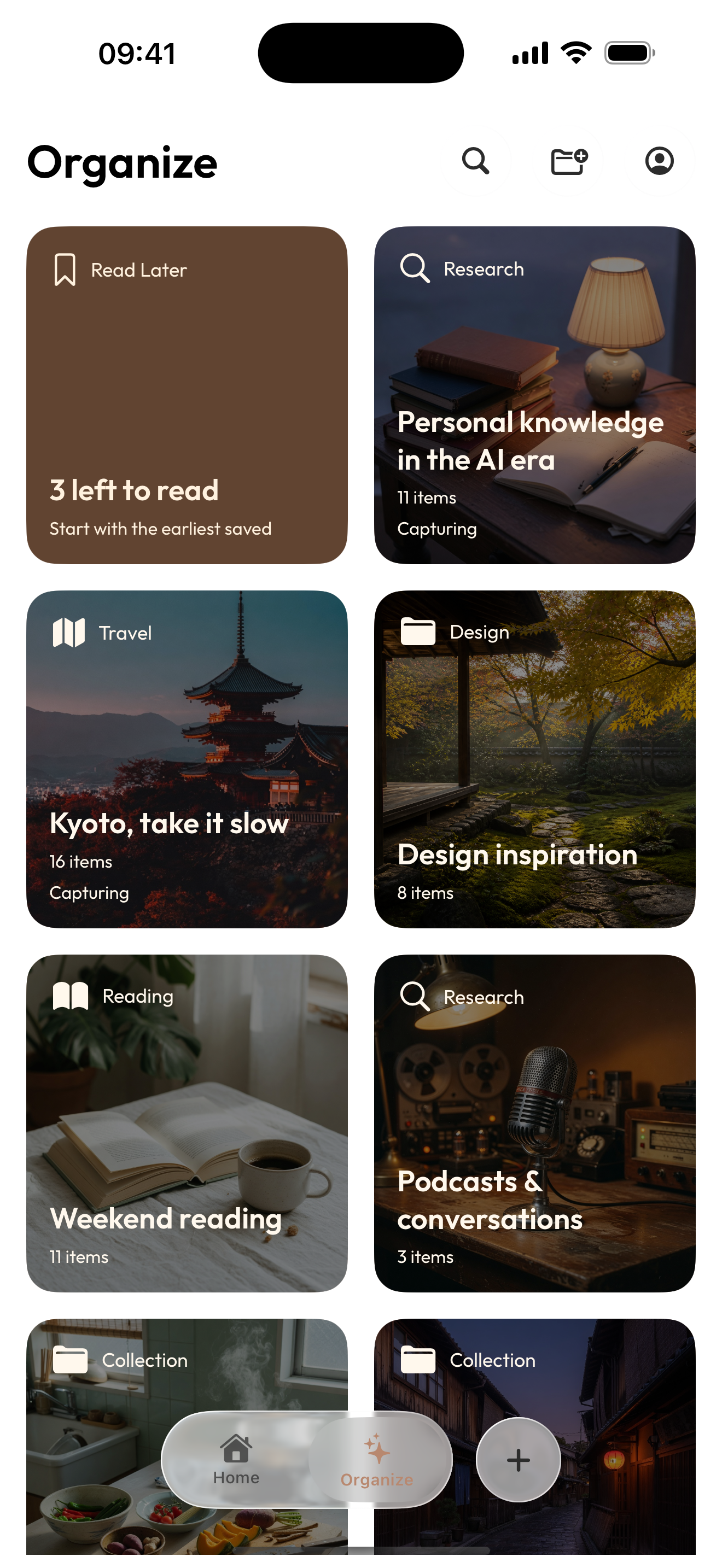
Aside keeps the reference you saved, plus the note you wrote about what you want to try on your own work, in a collection you name. You choose every item. Aside does not design the portfolio, does not build the site, does not rank references, and does not organize them for you.
Start on iPhone · No sign-in needed for the Local Library
A collection, in use
Save references. Keep your ideas.
A reference saved from Safari and an idea written in Quick Capture stay in a collection named Portfolio refresh.
- 0:03Save the reference
The reference is saved from Safari.
- 0:6.8Catch your own ideas
The idea is written in Quick Capture.
- 0:14One project, one collection
The reference and the idea stay in a collection named Portfolio refresh.
Play the film, or choose a chapter above.
What it is for
Design reference examples
A type to try
Save a screenshot of a title, and note whether you want a serif or a sans on your own work.
A title you want to keep
The note says: lead with the project, and show the outcome before the process.
A case study page
Keep the page, and write that your own work should show the trade-off, not only the final screen.
Make it your own
How to keep design references in Aside
Save one reference first. Name a collection when you have a few.
- 01
Save the reference
Share a layout, page, or screenshot into Aside, or capture it with Quick Capture. You choose every item.
- 02
Write what you want to try
Add a note about what you want to try on your own work. The note is optional. Aside does not write it for you.
- 03
Put them in a collection you name
Name the collection yourself. Add the reference and the note. Aside does not organize them for you.
A few things to know
Before you begin.
When do I use this?
When you are changing your own work and you saw a layout, a page, or a screenshot you want to keep.
What does Aside keep?
The reference you saved, plus the note you wrote about what you want to try on your own work, in a collection you name. You choose every item.
Does Aside design the portfolio or build the site?
No. Aside does not design the portfolio, does not build the site, does not rank references, and does not organize them for you.