Tools Recipe organizer
Recipe organizer
Use Aside to save and organize recipes. Keep recipe links, photos, and the steps you would change in one collection.
Aside is a recipe organizer for iPhone. Save a recipe from a browser, from another app, or as a photo. Write your own note on the steps. Group weekday dinners, baking, or a weekend to-try list into collections.
Start on iPhone · No sign-in needed for the Local Library
What it is for
Recipe organizer examples in Aside
Recipes saved from Xiaohongshu or a browser
Share the recipe link to Aside and write which step you want to change.
A photo of a cookbook page
Take a photo of the page, add a note about servings, and keep it with related recipes.
Weekend to-try list
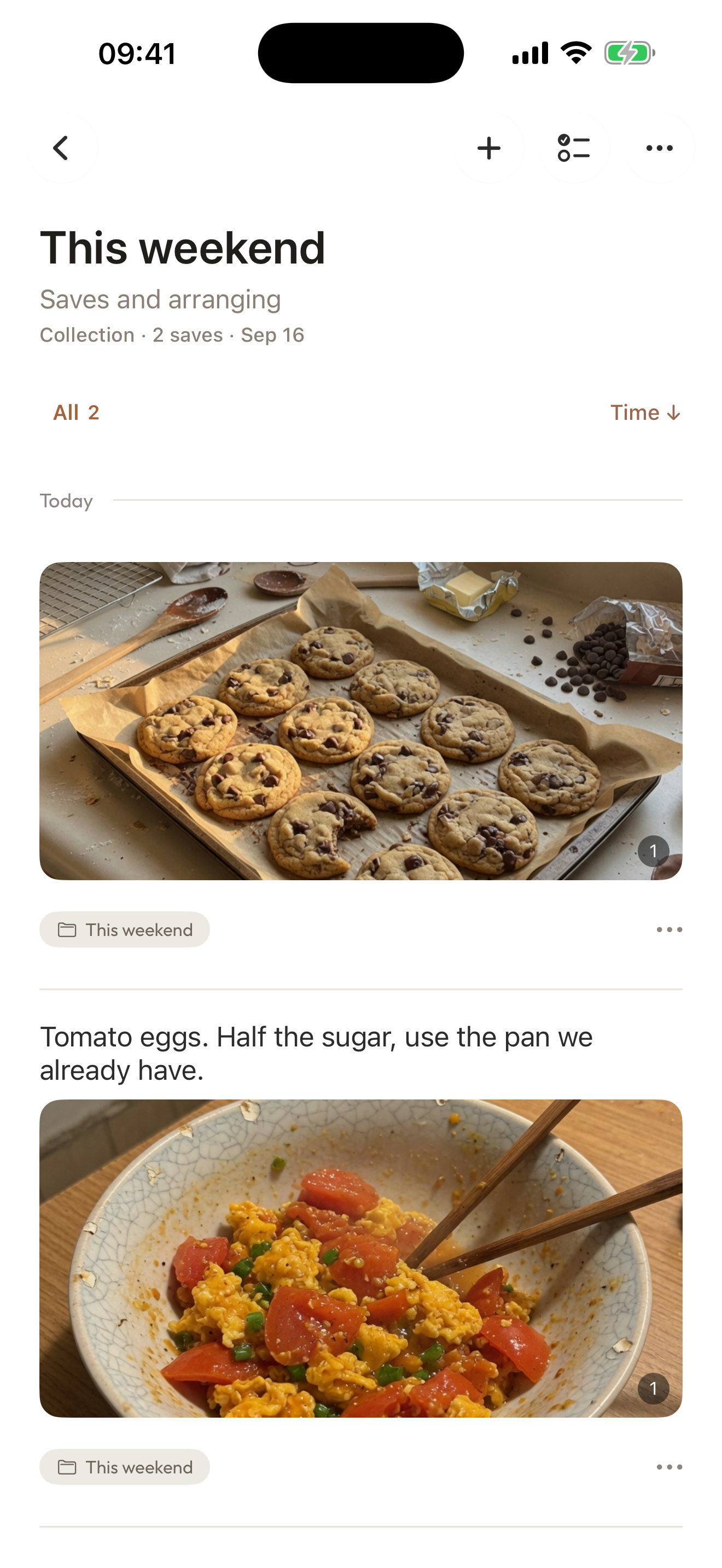
Put three recipes in a collection named this weekend. Open it when you shop.
Make it your own
How to organize recipes in Aside
Save one recipe first. Make a collection when you have a few.
- 01
Save the recipe
Share a recipe page to Aside from the iOS Share Sheet, or capture a photo with Quick Capture.
- 02
Write the step you would change
Add a note such as “half the sugar” or “use the pan you already have.” Notes are optional.
- 03
Put related recipes in a collection
Name a collection for weekday dinners, baking, or a cuisine. Add recipes as you find them.
A few things to know
Before you begin.
Can Aside organize recipes?
Yes. Use Aside to save recipe links and photos, write your own notes, and put related recipes in a collection.
Can I save a Xiaohongshu recipe to Aside?
If you can copy the link or share the page, save it to Aside and add a note. Aside does not log into Xiaohongshu for you.
Does Aside rewrite the recipe or scale ingredients?
No. Aside stores the recipe and your note. It does not rewrite steps or calculate quantities.
Are recipe collections different from travel collections?
The feature is the same: a collection you name. The items are recipes instead of travel guides.