Tools Travel shopping list tool
Travel shopping list tool
Use Aside to make a travel shopping list. Keep what to buy, store addresses, and price notes in one collection before you walk into the shop.
Aside is a travel shopping list tool for iPhone. A Tokyo drugstore list, an Osaka shopping street list, or a duty-free list can each be a collection. Save links, photos, and your own notes.
Start on iPhone · No sign-in needed for the Local Library
What it is for
Travel shopping list examples in Aside
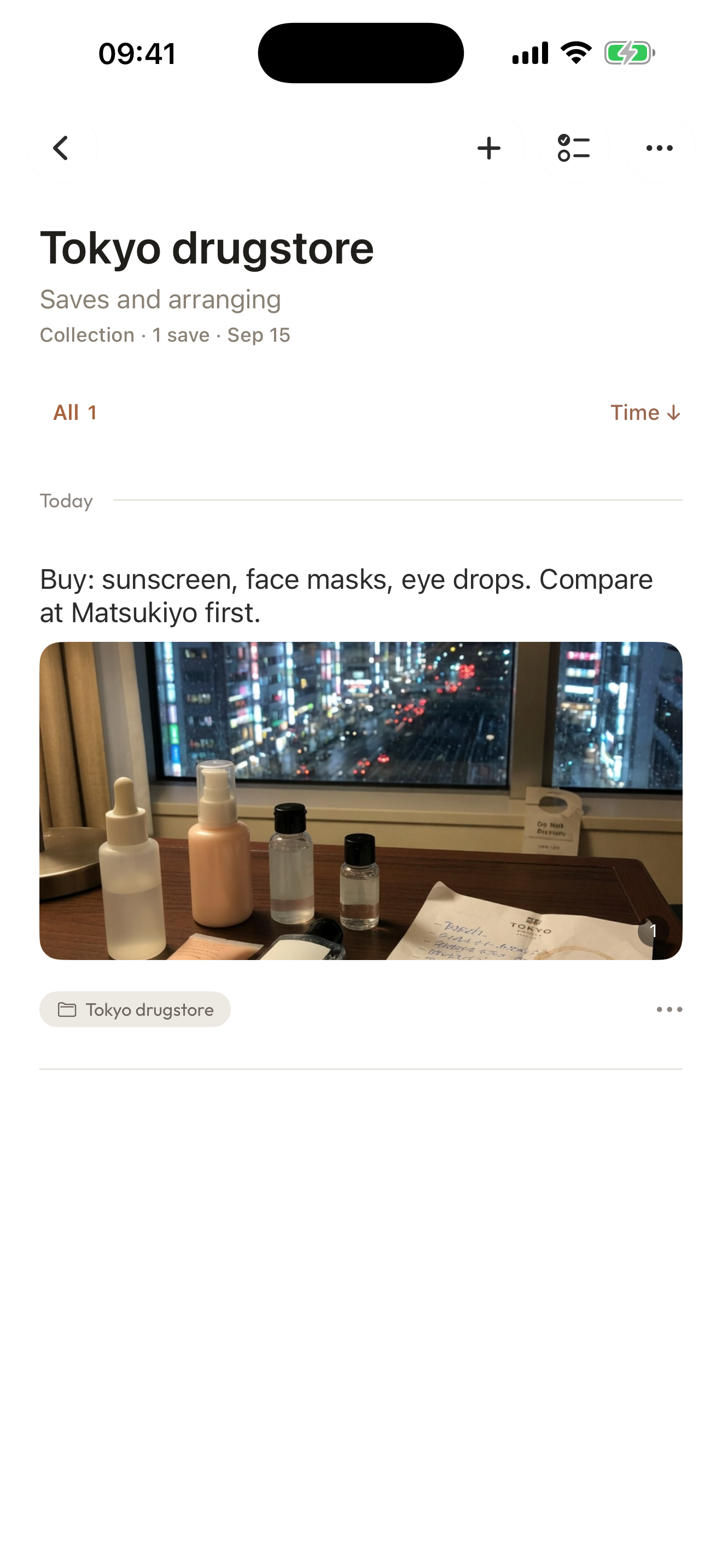
Tokyo drugstore shopping list
Write the cosmetics and medicine to buy, save store pages, and keep price notes in one collection before you enter the shop.
Shinsaibashi shopping list
Keep shop addresses, items to compare, and a photo of the packaging you already like.
Airport duty-free list
Save product pages and a short note of the limit you do not want to go over.
Make it your own
How to make a travel shopping list in Aside
Build the list before the trip, or add items while you walk the street.
- 01
Write what to buy
Tap + on Home and list the items. Add a photo of a product or a shelf if that helps.
- 02
Save store pages and maps
Share a store page or map to Aside from the iOS Share Sheet. Add a note such as “buy sunscreen here.”
- 03
Put the list in one collection
Create a collection named after the city or the shop street. Open it when you are in front of the shelf.
A few things to know
Before you begin.
Can Aside make a travel shopping list?
Yes. Use Aside to keep what to buy, store addresses, and price notes in one collection on iPhone.
Can I use Aside for a Tokyo drugstore shopping list?
Yes. Write the items, save store pages, and keep comparison notes in a Tokyo drugstore collection.
Does Aside fill the shopping list automatically?
No. You write the items and choose what goes in the collection.
Is a travel shopping list different from a travel guide?
Yes. A travel guide collection holds itineraries and attractions. A shopping list collection holds what to buy and where. Both use Aside collections.